
Individual Edition
For your own rental properties
$57.00
- The Rental Property Finances app for Windows and Mac
- Step-by-step installation and use guide
- Sample data with three fictional vacation rentals
- Individual-use license
- Pay once, no subscription
Shop Apps
Know what each rental really earns. Track income and expenses by property, plan five years ahead, and keep every record on your own computer.
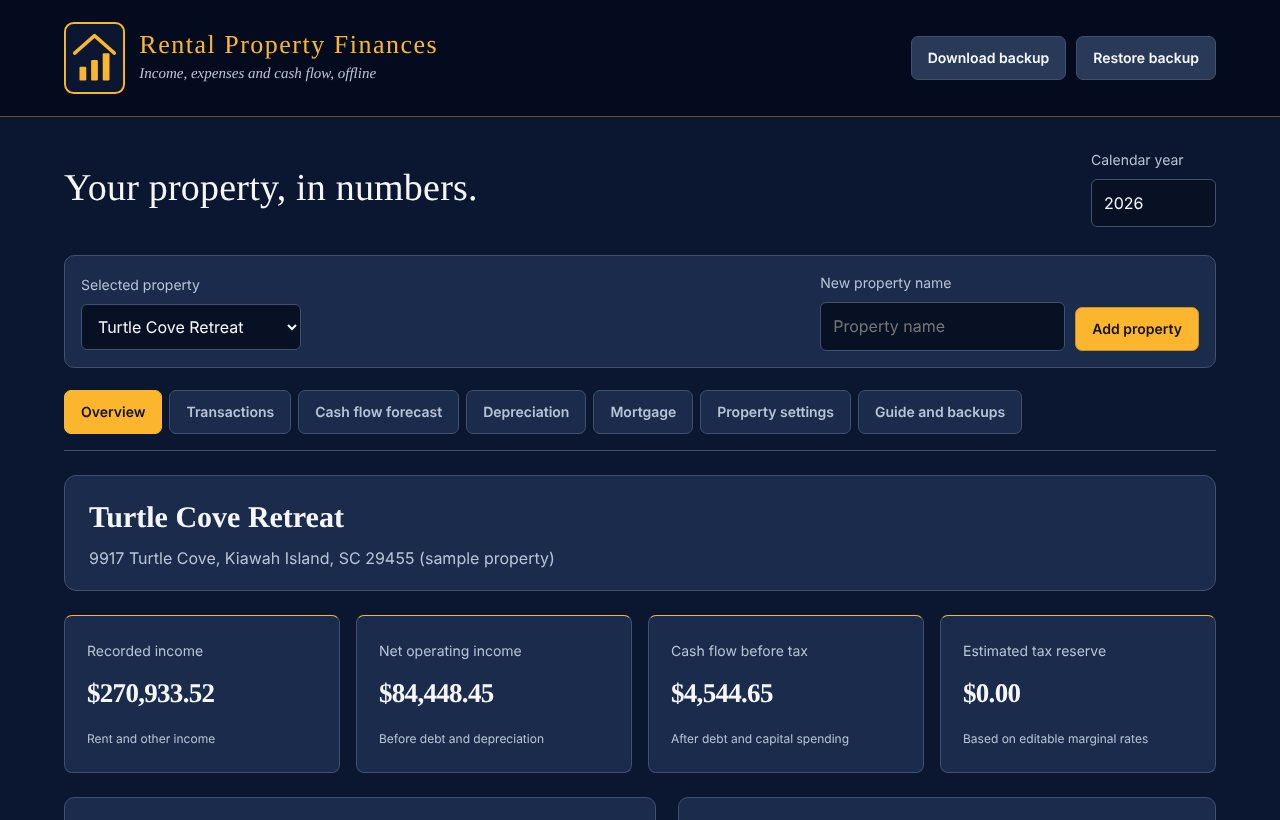
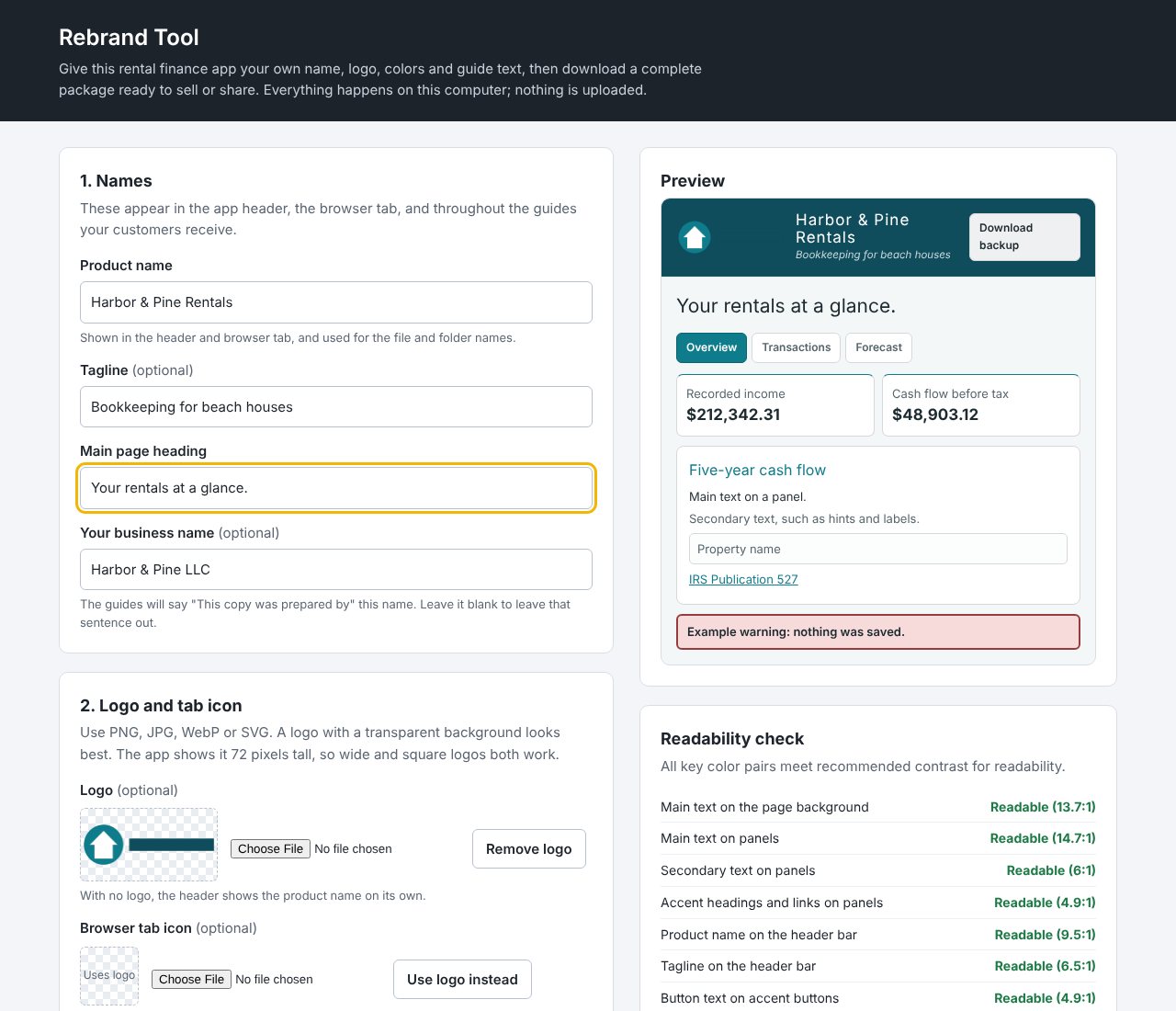
The walkthrough covers setting up a property, the overview, recording and editing transactions, the five-year forecast, depreciation, the mortgage schedule with extra principal, every property setting, Sync, phone and tablet use, backups, and the PLR Edition's Rebrand Tool. Large captions explain each step, so it works with the sound off. The properties and figures are fictional sample data.
Everything a rental owner needs to see where the money goes, in one app that never sends your records anywhere.
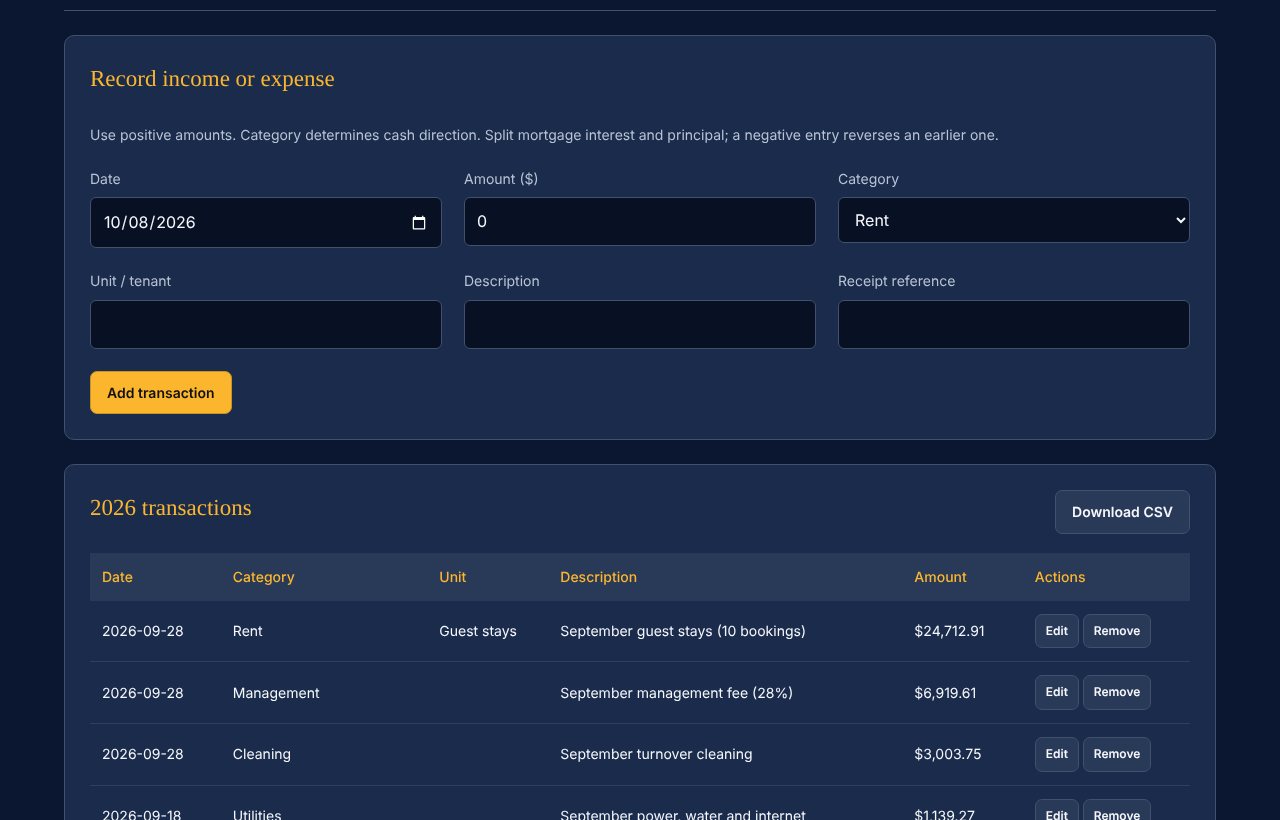
Record rent and every cost in 20 categories, from management and cleaning to repairs, HOA dues and property taxes.
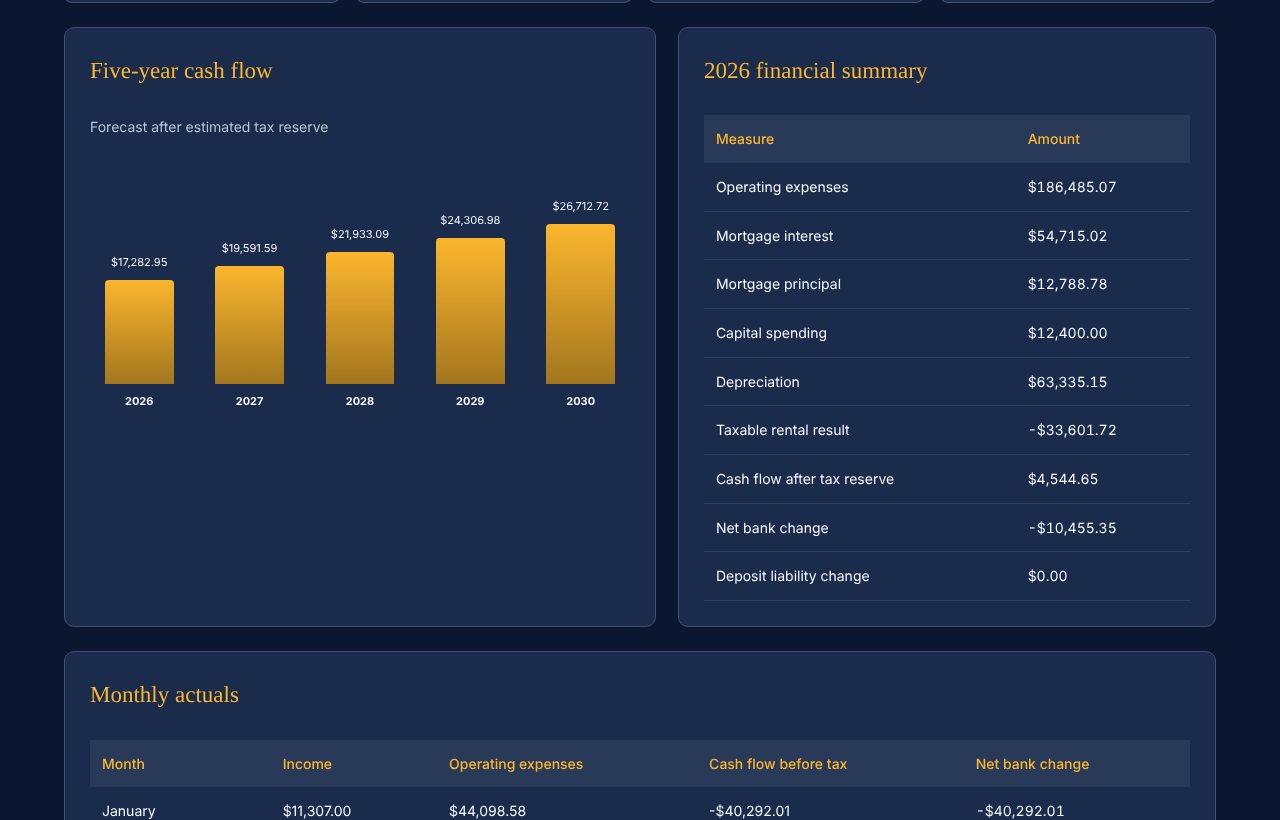
See each month's income, expenses and cash flow, plus a yearly summary of net operating income and the bottom line.
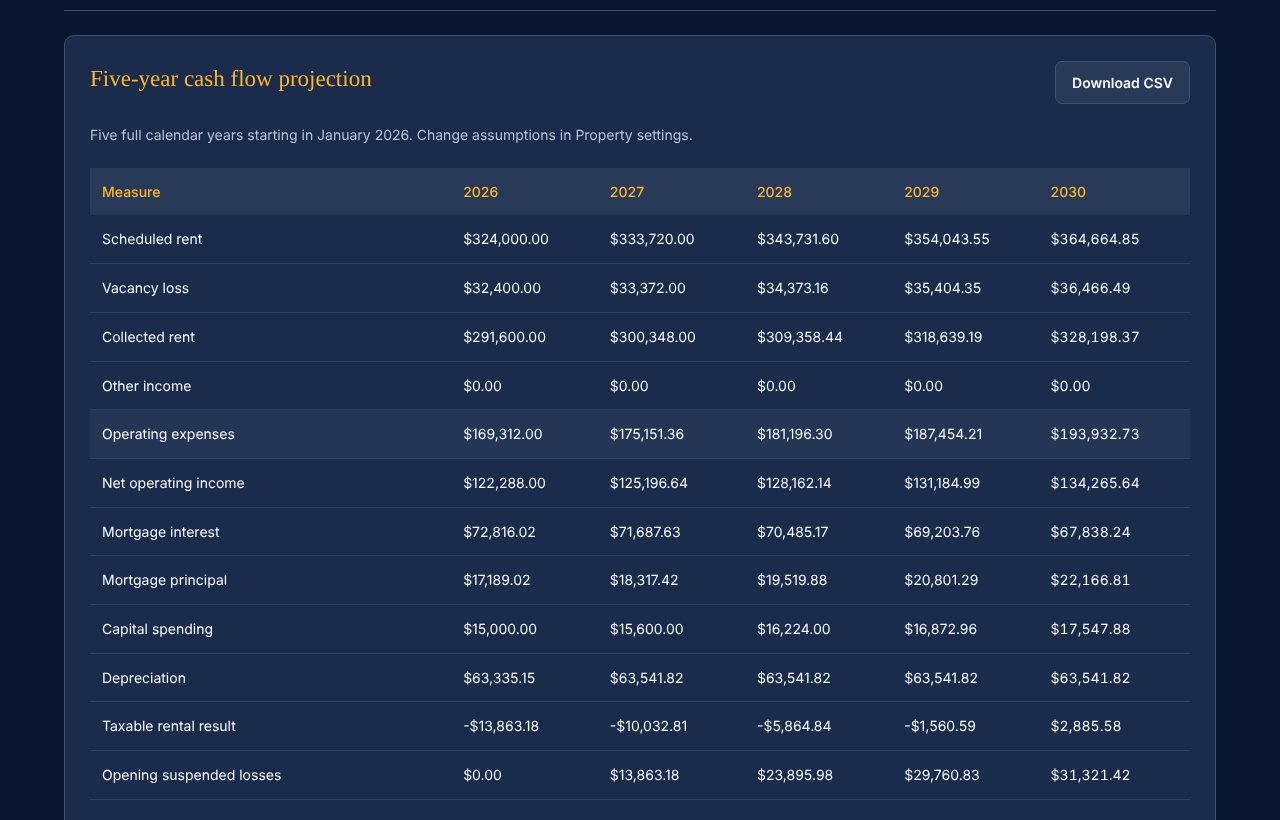
Set rent, vacancy, growth and expense assumptions, and see five years of projected cash flow, returns and debt coverage.
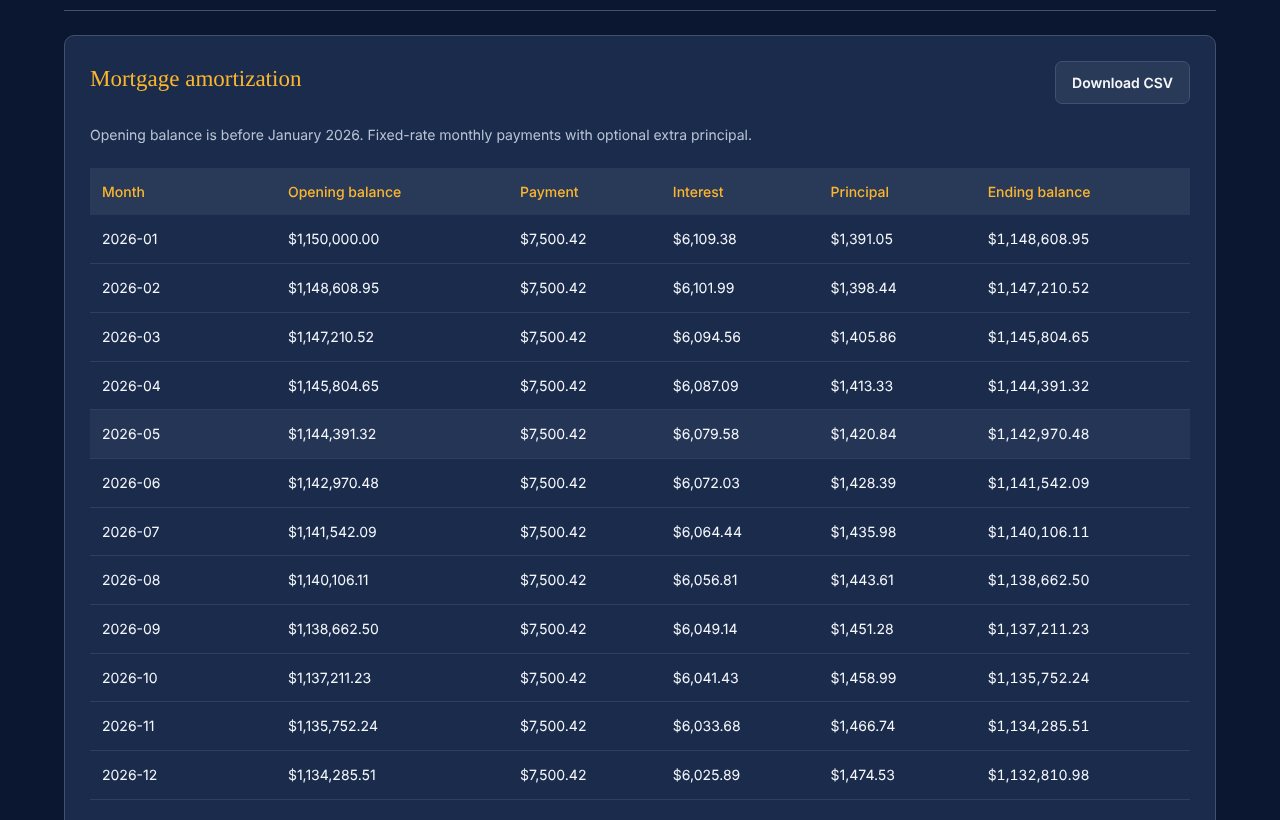
A month-by-month fixed-rate loan schedule, with the option to model extra principal payments.
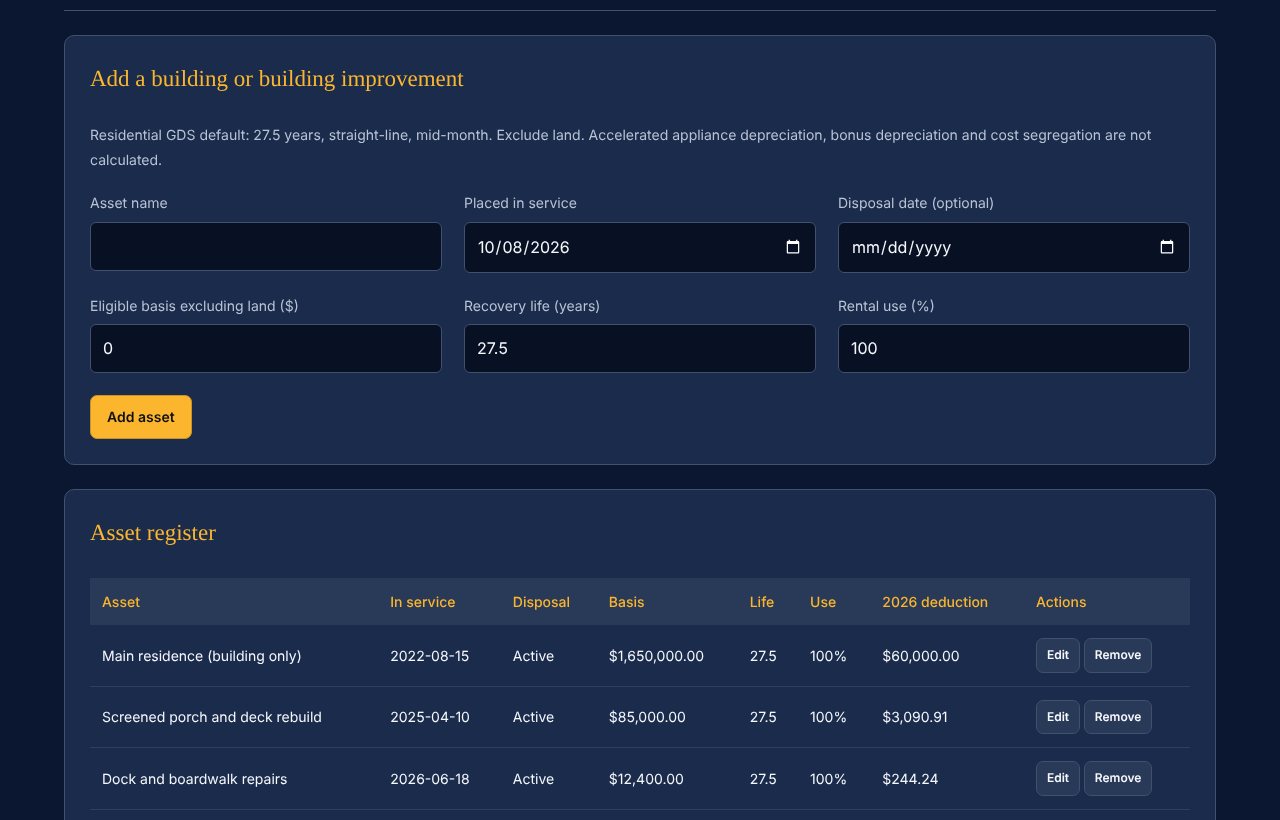
Straight-line residential depreciation for the building and improvements, with a 40-year schedule.
Download CSV reports for your tax professional, and back up or restore everything in one click.
These screens show the included sample data: three fictional vacation rentals with nine months of records. Select any image to see it full size.
Pay once and keep it. Checkout runs through PayPal, and your download links appear right after payment and arrive by email.
For your own rental properties
$57.00
Rebrand it and sell it as your own
$107.00
Minimum resale price $57 per copy. Read the PLR terms before you buy.
The app is designed for desktop and laptop computers, not phones or tablets.
In your own browser on your own computer. Nothing is sent to us or anyone else. Download a backup after each session to keep your records safe and to move them to another computer.
Yes. Enter the figures from your monthly owner statement, with rent and each fee in its own category, and the app shows what each property actually earned.
No. It organizes your records and estimates a tax reserve for planning. Its CSV reports make it easy to share your year with a tax professional.
Yes. Load the included sample data to explore every feature with three fictional vacation rentals.
Choose the Individual Edition to track your own rentals. Choose the PLR Edition if you want to sell the app under your own brand. The PLR Edition includes everything in the Individual Edition.
After PayPal payment, your download links appear on the page and are emailed to the address on your PayPal account. If anything goes wrong, email inquiry@BurnishedGraceStudio.com with your receipt.
Five steps to look ahead.
Eight lines to check every month.
Ten costs to plan for.
Nine records for an easy tax season.
Rental Property Finances organizes rental records and produces estimates for planning. It does not prepare or file tax returns and is not tax, legal or financial advice. Confirm your figures and their tax treatment with a qualified professional.